
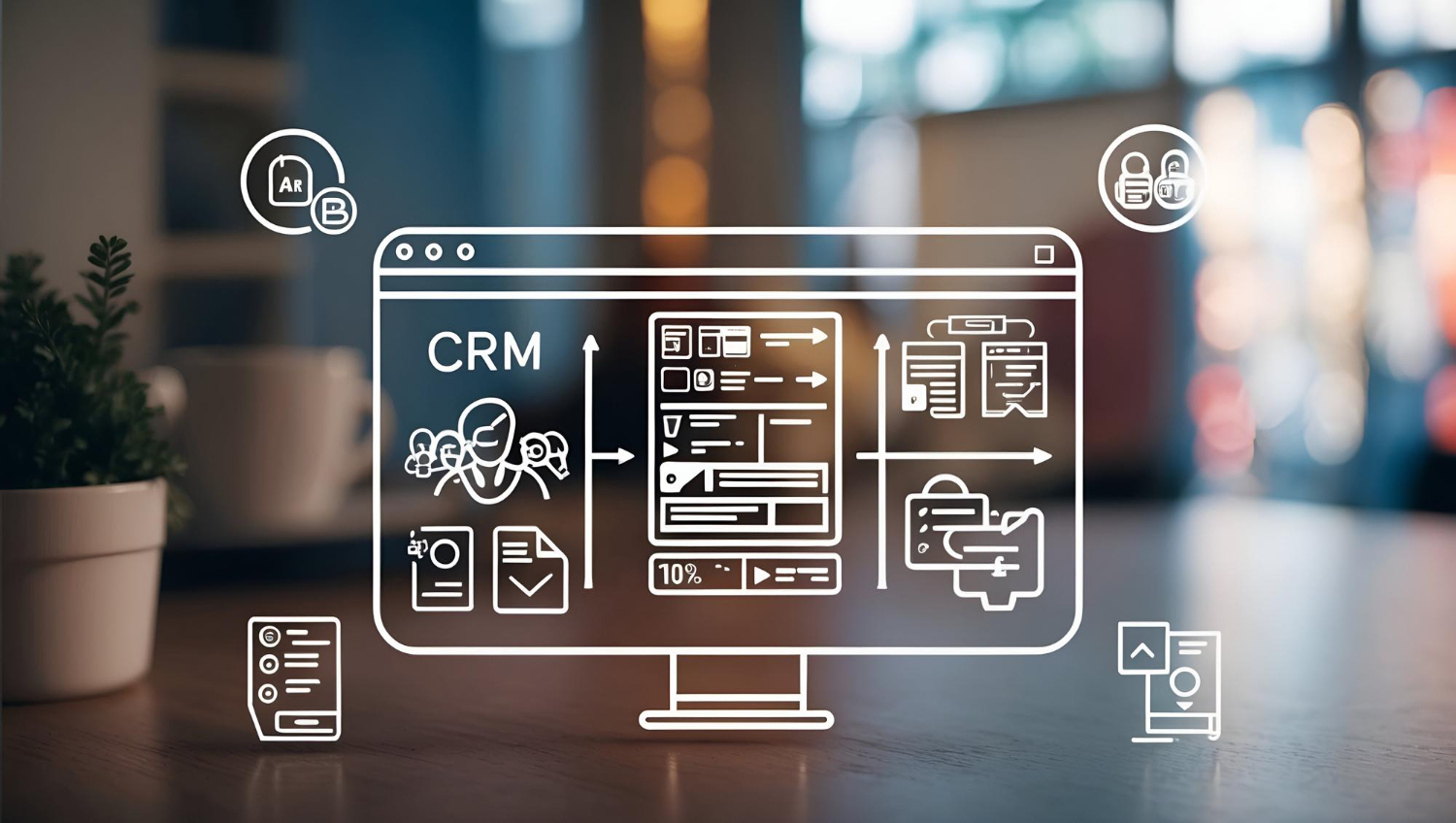
Turn Customer Relationships into Business Growth
Managing customer relationships is essential for every growing business. However, tracking leads in spreadsheets, following up manually, and managing customer information across multiple platforms can slow down business operations.
CRM solutions (Customer Relationship Management solutions) help businesses organize customer data, manage sales pipelines, automate follow-ups, and build stronger customer relationships from a centralized platform.
At Waytowebs, we provide customized CRM solutions designed around your business processes, customer management needs, and growth objectives. Whether you are a startup, small business, or established enterprise, the right CRM system can help you work smarter and deliver better customer experiences.
What Are CRM Solutions?
CRM solutions are software systems that help businesses manage customer interactions, sales activities, leads, communication, and customer information in one centralized platform.
A CRM system enables teams to track prospects, monitor sales opportunities, schedule follow-ups, manage customer history, and analyze business performance.
Unlike generic tools, custom CRM software can be developed around your specific workflows, allowing businesses to manage their operations more efficiently.
Why Does Your Business Need a CRM System?
As a business grows, managing customer information manually becomes increasingly difficult. A CRM system helps reduce repetitive tasks, improve team coordination, and create a more organized sales process.
Key benefits include:
- Centralized customer data: Keep customer details, communication history, and interactions in one place.
- Better lead management: Track leads from the first enquiry to conversion.
- Automated follow-ups: Schedule reminders and automate routine communication.
- Improved sales productivity: Help sales teams prioritize opportunities and manage their pipelines.
- Performance tracking: Monitor leads, conversions, sales activities, and team performance.
- Enhanced customer experience: Deliver more consistent and personalized customer interactions.
A well-designed CRM solution helps businesses make informed decisions, strengthen customer relationships, and build scalable sales processes.
Essential Features of Custom CRM Software
The right CRM software should support your business requirements rather than force your team to adapt to unnecessary features.
1. Lead and Contact Management
Capture, organize, assign, and track leads from websites, enquiry forms, campaigns, and other channels. Maintain customer profiles and communication history for better follow-ups.
2. Sales Pipeline Management
Visualize your sales process from new enquiries to qualified leads, proposals, negotiations, and closed deals. Understand where opportunities stand and identify areas that need attention.
3. Workflow and Task Automation
Automate repetitive activities such as task assignments, follow-up reminders, lead notifications, and status updates. Automation rules can be customized to match your operational workflows.
4. Reports and Analytics
Access dashboards and reports that help you evaluate lead generation, sales performance, conversion rates, and team productivity.
5. Customer Communication Management
Organize customer interactions and follow-up activities. Depending on the project scope and supported integrations, your CRM can connect with email, WhatsApp, website forms, and other business communication channels.
6. Role-Based Access and Permissions
Provide different access levels for administrators, managers, sales representatives, and other team members to help protect business information and maintain accountability.
7. Third-Party Integrations
Connect CRM software with suitable business tools, websites, marketing platforms, accounting systems, or ERP software based on your requirements and available APIs.
Custom CRM Software vs. Ready-Made CRM Platforms
Choosing between custom CRM development and an existing CRM platform depends on your budget, business processes, integration requirements, and long-term plans.
Factor | Custom CRM Software | Ready-Made CRM |
Features | Built around your requirements | Based on available platform features |
Workflows | Can be tailored to your operations | Depends on platform configuration |
Integrations | Developed for required integrations | Depends on available integrations |
Initial investment | Typically higher | Often lower to start |
Ongoing costs | Development, hosting, and maintenance | Subscription and optional add-on costs |
Scalability | Can evolve with your business | Depends on platform capabilities and plan |
Which option is better? Ready-made CRM software may suit businesses with standard requirements that need a quick setup. Custom CRM development may be a better fit for businesses with specialized workflows, unique integrations, or specific operational requirements.
How CRM Automation Improves Business Efficiency
CRM automation helps businesses reduce manual work and maintain consistent processes throughout the customer journey.
For example, when a visitor submits an enquiry through your website, an automated CRM workflow can:
- Capture the lead details.
- Assign the enquiry to the appropriate sales representative.
- Send a notification to the assigned team member.
- Create a follow-up task with a due date.
- Update the lead status as the sales process progresses.
- Generate reports to monitor performance.
Additional workflows can support customer onboarding, sales reminders, service requests, and renewal notifications.
The exact automation possibilities depend on your business requirements, integrations, and CRM architecture.
How Waytowebs Delivers Custom CRM Solutions
Waytowebs develops business-focused CRM solutions designed to simplify customer management, improve productivity, and support operational growth.
Our approach focuses on understanding your business first and then developing software that aligns with your actual requirements.
Our CRM Development Process
Step 1: Requirement Analysis
We understand your business model, customer journey, existing challenges, and CRM requirements.
Step 2: Workflow Planning and UI/UX Design
We plan the CRM modules, user roles, navigation, and dashboards to create a clear and user-friendly experience.
Step 3: Custom CRM Development
We develop the required features, workflows, database structure, and integrations based on the approved scope.
Step 4: Testing and Quality Assurance
We test core functionality, workflows, permissions, integrations, and usability before deployment.
Step 5: Deployment and Ongoing Support
We assist with deployment and provide maintenance options based on the agreed project scope.
From lead management and sales tracking to advanced workflows and business integrations, Waytowebs builds CRM solutions around your operational needs.
Who Can Benefit from CRM Solutions?
CRM software can support businesses across multiple industries, including:
- IT and software companies: Manage enquiries, sales pipelines, client accounts, and project-related communication.
- Real estate businesses: Track property enquiries, buyers, sellers, and sales follow-ups.
- Manufacturing companies: Manage distributors, dealers, business enquiries, and customer relationships.
- Healthcare organizations: Organize appropriate customer or patient enquiries while considering applicable privacy requirements.
- Consulting firms: Manage prospects, client communication, proposals, and business opportunities.
- E-commerce businesses: Organize customer interactions, service requests, and relevant sales activities.
- Service-based businesses: Track leads, quotations, appointments, and ongoing customer requirements.
The modules and integrations can be adapted to suit each organization’s workflows and operational priorities.
How to Choose the Right CRM Development Company
Selecting the right CRM development partner is important for building a solution that delivers long-term value.
Before choosing a CRM development company, consider these factors:
- Business understanding: Does the team understand your processes and challenges?
- Customization capabilities: Can the solution accommodate your specific requirements?
- Integration expertise: Can it connect with your website and essential business tools?
- Security and access control: Are appropriate permissions, backups, and data protection practices included?
- Scalability: Can the system evolve as your business grows?
- Support and maintenance: Is ongoing technical support available?
A reliable CRM development partner should explain the proposed features, implementation approach, timeline, costs, and future maintenance requirements clearly.
Why Choose Waytowebs for CRM Solutions?
Waytowebs provides customized digital solutions focused on business functionality, usability, and long-term growth.
Our CRM development services emphasize:
- Business-specific CRM functionality.
- User-friendly dashboards and interfaces.
- Custom workflows and process automation.
- Integration with relevant business systems.
- Scalable development based on project requirements.
- Testing, deployment, and maintenance support.
We work with businesses to understand their requirements and recommend a practical CRM approach that aligns with their objectives and budget.
Conclusion: Build Better Customer Relationships with CRM
An effective CRM solution does more than store customer information. It helps businesses organize leads, streamline sales activities, automate repetitive tasks, and make better-informed decisions.
Whether you need a simple lead management system or a customized CRM platform with advanced workflows, choosing the right solution can help your business operate more efficiently.
Looking for custom CRM solutions for your business? Waytowebs can help you plan and develop CRM software aligned with your business processes and future goals.
Explore CRM Solutions with Waytowebs: https://waytowebs.com/solutions
Frequently Asked Questions About CRM Solutions
1. What are CRM solutions used for?
CRM solutions are used to manage customer information, track leads, organize sales pipelines, automate follow-ups, maintain communication history, and monitor business performance through a centralized system.
2. What is custom CRM software development?
Custom CRM software development involves designing and building a customer relationship management system around a business’s specific workflows, features, user roles, integrations, and reporting requirements.
3. How can CRM software help small businesses?
CRM software helps small businesses organize leads, improve follow-ups, centralize customer records, reduce manual tasks, and track sales opportunities without relying entirely on spreadsheets or disconnected tools.
4. How much does custom CRM development cost?
The cost of custom CRM development depends on the number of modules, complexity of workflows, user roles, integrations, reporting requirements, security needs, and deployment approach. A requirement analysis is recommended to prepare an accurate quotation.
5. How long does it take to develop a CRM system?
The development timeline depends on the scope and complexity of the project. A basic CRM may require less development time than a multi-module enterprise CRM with extensive integrations and automation. The timeline should be confirmed after requirements are finalized.
6. Can a CRM system integrate with an existing website?
Yes. A CRM system can integrate with an existing website to capture enquiry form submissions, create leads, and trigger follow-up workflows. Other integrations depend on the website technology, CRM architecture, and available APIs.
7. What is the difference between CRM and ERP software?
CRM software primarily focuses on customer relationships, lead management, and sales activities. ERP software focuses on connecting internal business functions such as inventory, finance, procurement, and operations. Businesses may integrate both systems to improve information flow.
8. Does Waytowebs provide custom CRM development services?
Waytowebs provides CRM solutions tailored to business requirements, including customer and lead management, sales workflows, automation, dashboards, and relevant integrations. The final features, timeline, and cost depend on the agreed project scope.
Ready to streamline your customer management? Contact Waytowebs to discuss your CRM requirements.